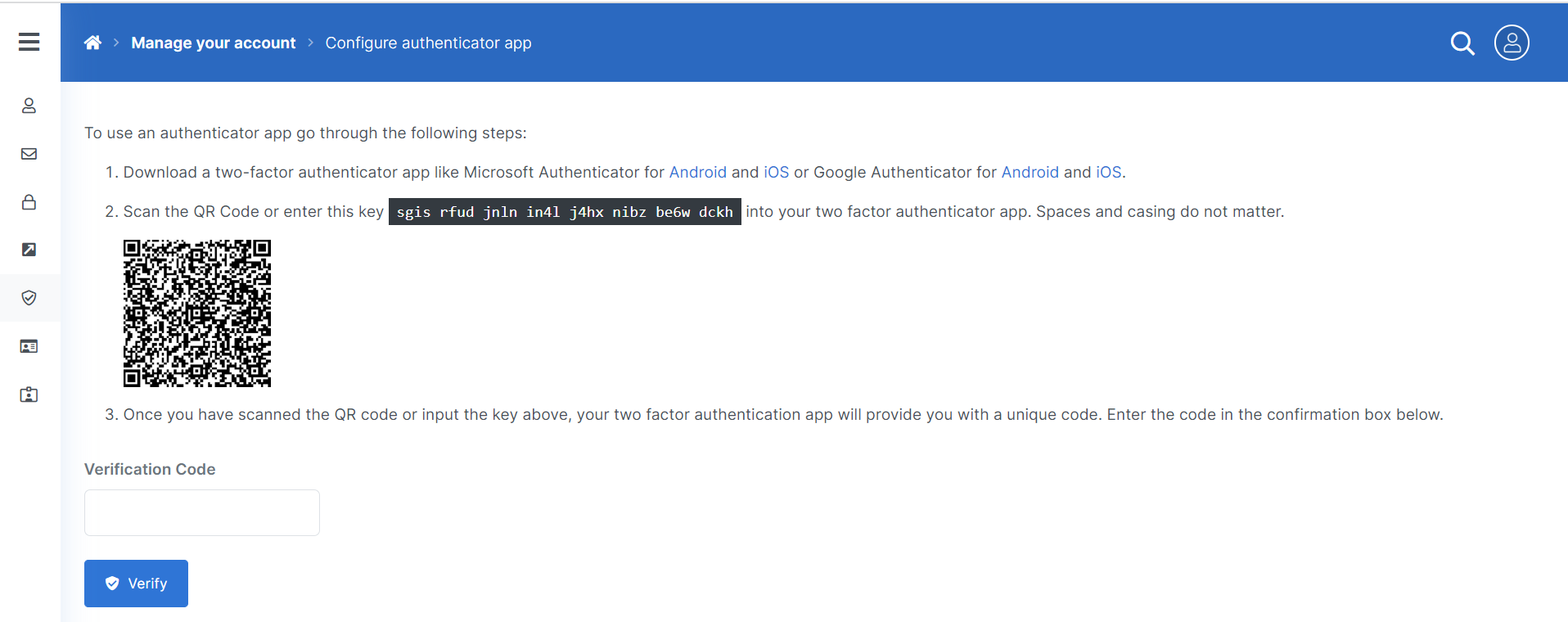
The Two-factor Authentication (2FA) Page allows users to enable support for MFA to their user profile.

Set up Authenticator App
-
Select the Setup Authenticator app button.
Users must have a mobile device with the Microsoft Authenticator app installed or similar application to validate their authentication.
-
Follow the steps to generate your verification code.
-
Select the Verify button.
The system verifies your authentication app.