
The Profile Page allows users to view and update their personal information after registration. It includes fields for basic details such as first name, last name, phone number, preferred language, and time zone. This page ensures that user profiles remain accurate and up to date.
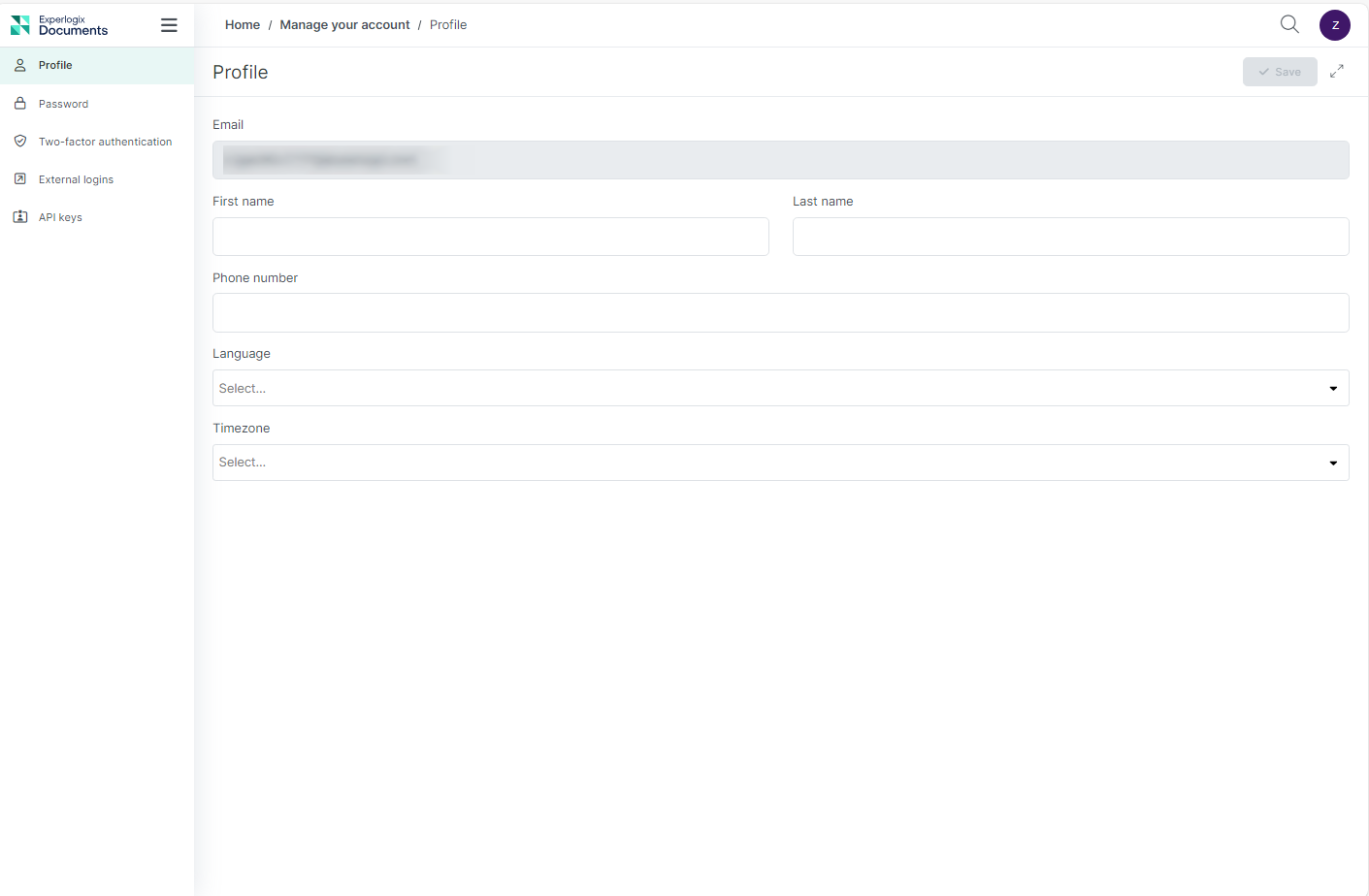
To access your Profile page:
-
Locate your user avatar or initials in the top-right corner of the application navigation bar.
-
Select your avatar to open the user menu.
-
Select My Profile from the dropdown list.
You will be redirected to the Profile settings view, where you can update your personal information.
|
Field |
Description |
|---|---|
|
First name |
Displays the first name of the user. |
|
Last name |
Displays the last name of the user. |
|
Phone number |
Sets the phone number for the user. |
|
Language |
Sets the language rules and settings to use. |
|
Time zone |
Displays the user’s time zone. |