
The External Logins Page allows users to add additional identity providers to enable a single sign-on experience.

External Login Support
Experlogix Documents supports several external providers and can support multiple external providers at a time. After adding an External Login to your account, you can use any of the added External Logins and the system recognizes you as the same user.
Supported External Login Providers
-
Azure Active Directory (Microsoft)
-
Facebook
-
Google
Add a Microsoft External Login
-
Select Log in using your Microsoft Account.
-
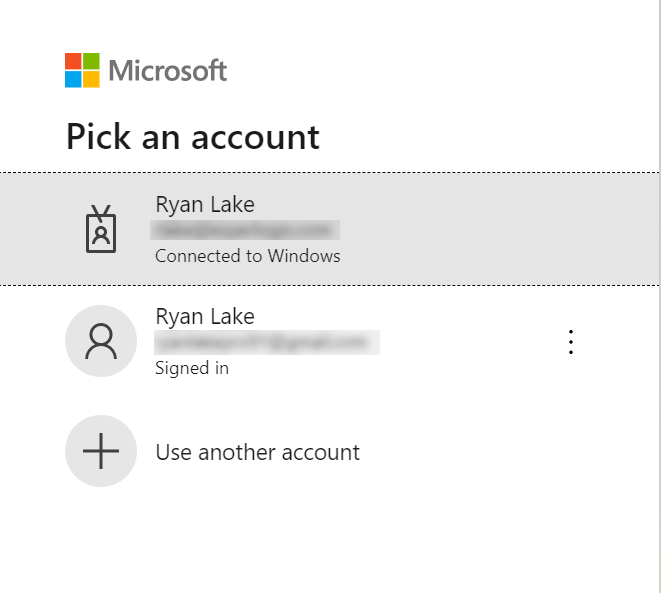
Select the account to use for your log in.
The page refreshes and displays your Provider under the Registered Logins.
