
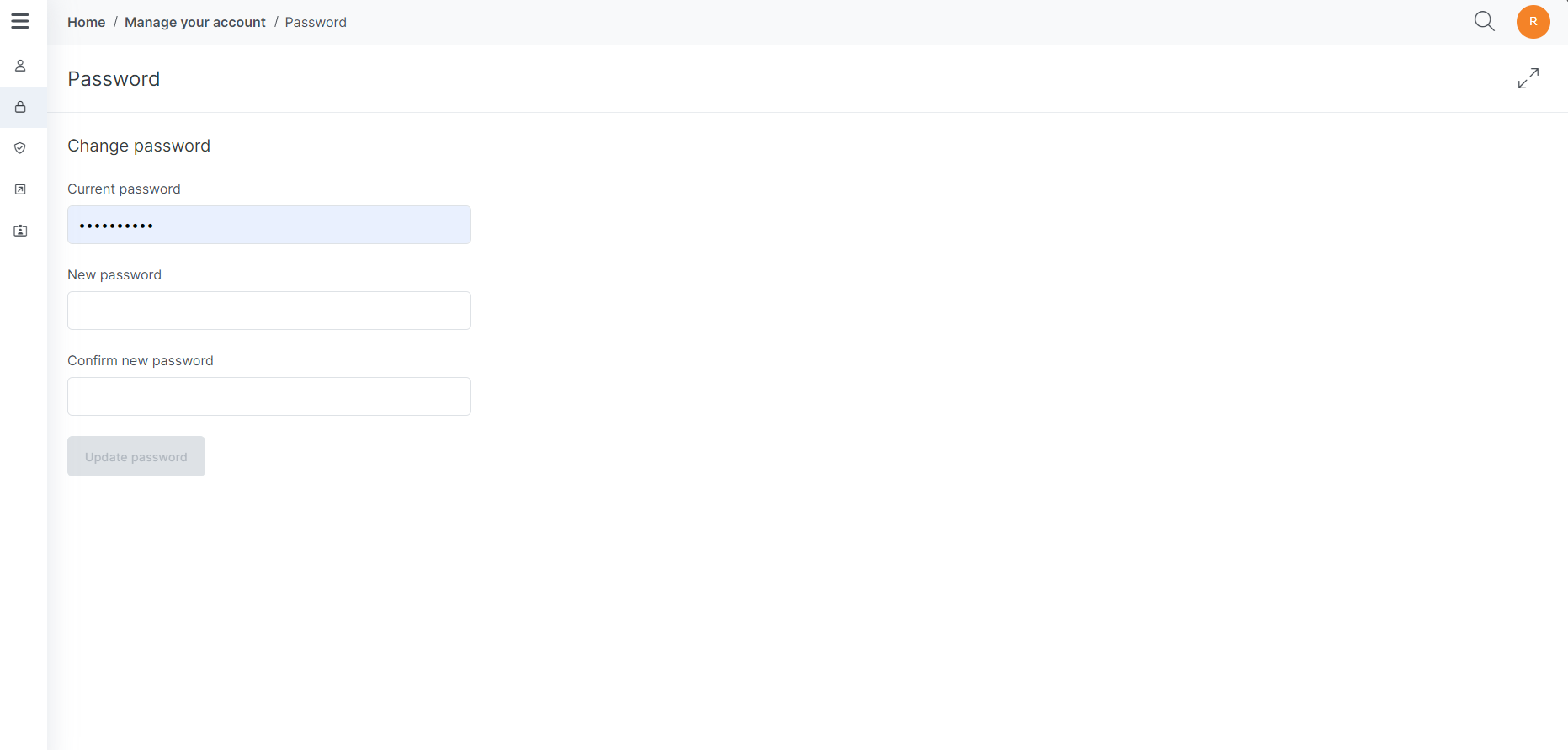
The Change Password Page allows users to update their account password by setting a new one.
Updating your password
-
In the Current password field, enter your current password.
-
In the New password field, enter your new password.
The values in the New and Confirm new Password fields must match exactly.
-
In the Confirm new password field, enter your new password again.
The message your password has been changed displays.
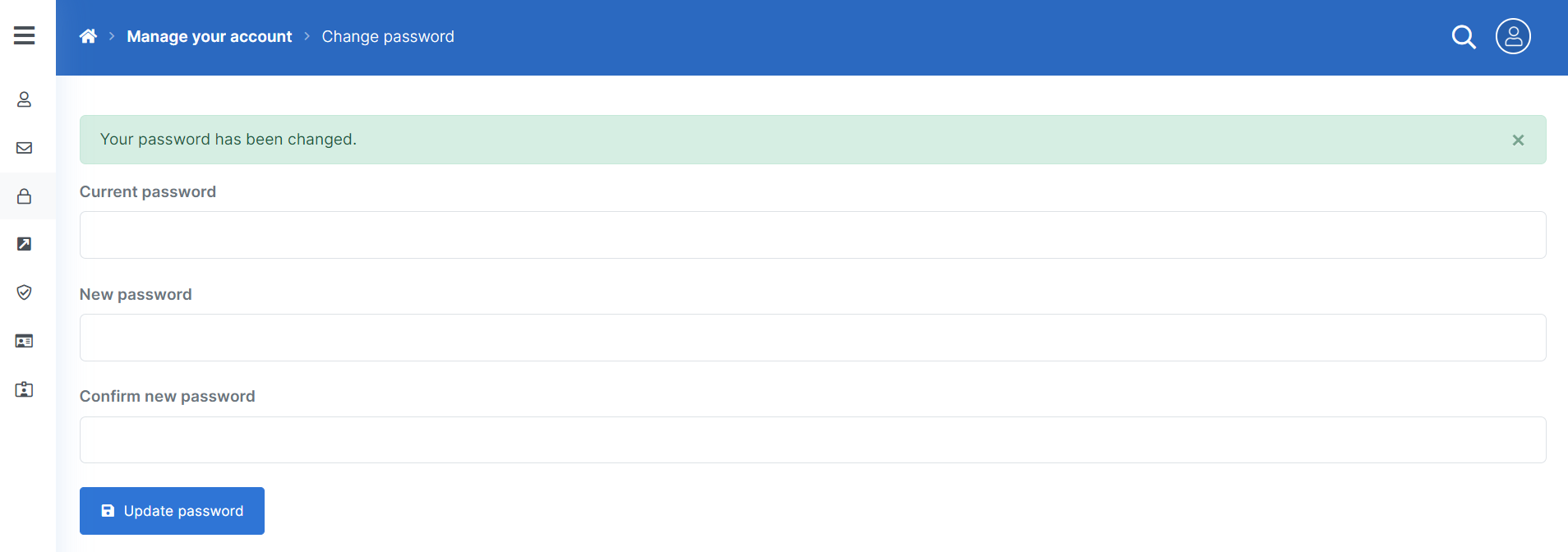
You’ve successfully changed your Experlogix Documents password.