
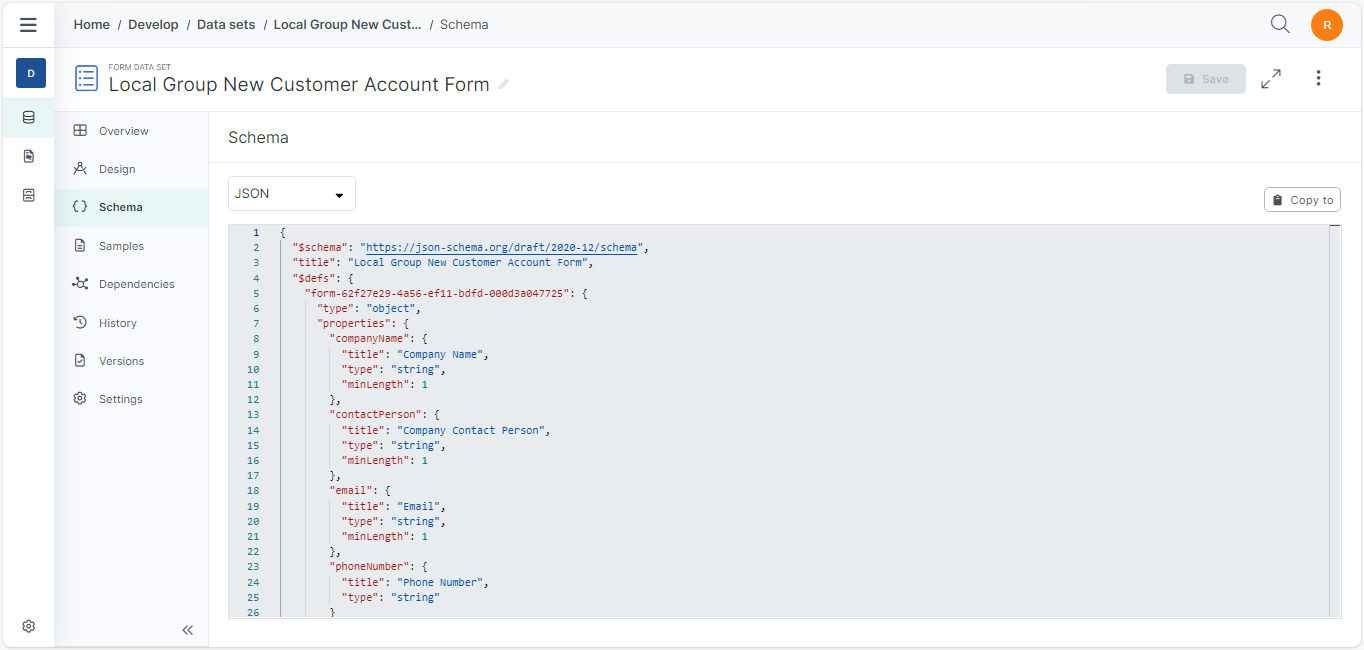
The Data Sets Schema Tab allows designers to view the schema for their Data Set. The Data Set’s schema can be viewed as XML or JSON. The system's default view is JSON.
For Form Data Sets, the Schema Code Editor is read-only.
Procedures
Convert Schema to JSON or XML
-
On the Data Sets Schema page, select the data type drop-down menu.
-
Select JSON or XML.
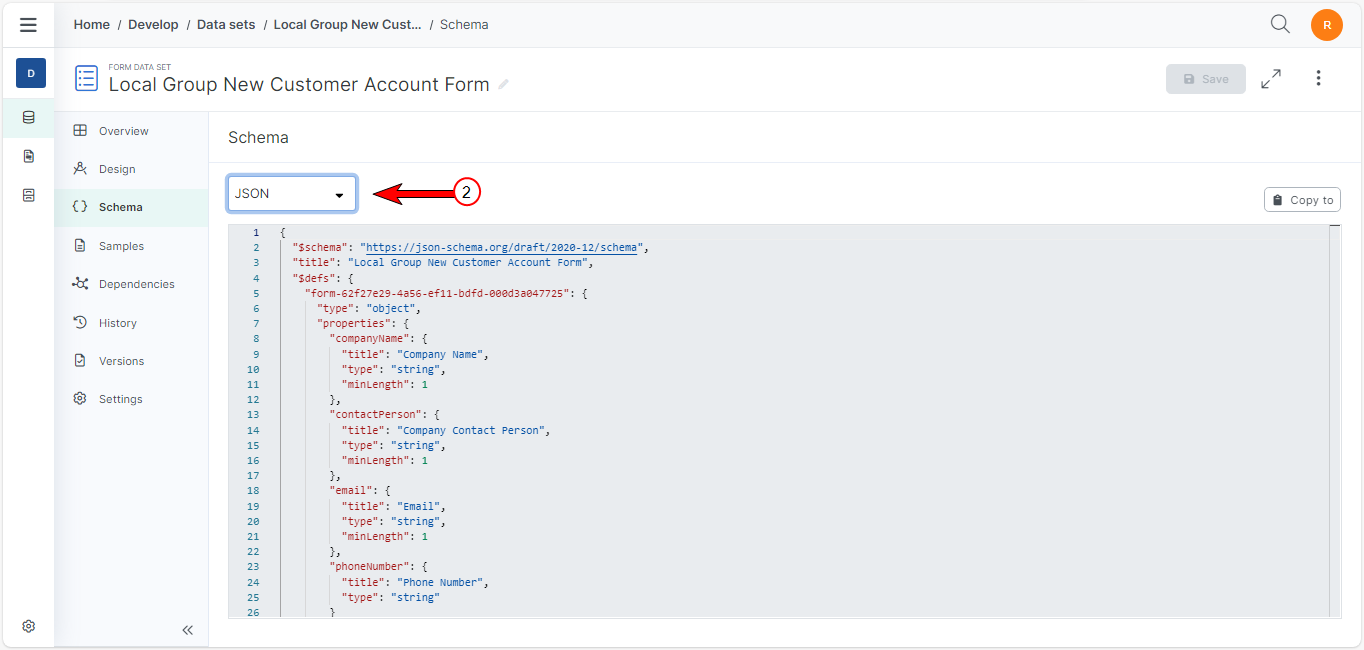
The system converts the schema to the selected data type.